You need a QD-OLED monitor and an RTX 40 Super Graphic Card for Skull and Bones.
Desktops ,
Monitors
Skull and Bones finally released on Feb 13th 2024. Gamers can play a captain and lead your crew to explore the Indian Ocean. We need to collect resource, build up a fleet and fight with enemy. Ubisoft Studio also delicate to build a beautiful environments to players. During the game journey, we can enjoy the many beautiful scenes, like sunrise or sunset and exciting naval warfare. So, you will need a powerful graphic card and a gaming monitor to play the game.
NVIDIA RTX 40 super series graphic card already released in CES 2024. And media give the positive comment on RTX 40 supers graphic card performance leap especially Ray Tracing performance on many games. As you can see below table, RTX 40 super graphic card perform very well in 2K and 4K resolution in enable Ray Tracing, Overall can easily exceed 100 FPS to gain fluent experience. And MSI gaming desktop all use RTX 40 supers graphic card are available now.

RTX 4070 Ti Super and RTX 4080 Super can reach to 120+ FPS in Ultra High Setting in enable Ray Tracing and DLSS.

MSI Gaming Desktop product line fully support RTX 40 Super series graphic card and running Skull and Bones on QD-OLED monitor very smooth.
Ray Tracing is becoming important feature in modern games. It can provide close to reality image and bring gamers to immersive atmosphere. A QD-OLED monitor can push the game display quality to a peak level. QD layer make image color vivid and by OLED characteristic to the monitor refresh rate can reach to 240Hz and 0.03ms GtG response time. It benefit fast pace type game like Skull and Bones. That is why you need a high-end gaming desktop use RTX 40 super graphic card and a QD-OLED monitor to play game for the best gaming experience.
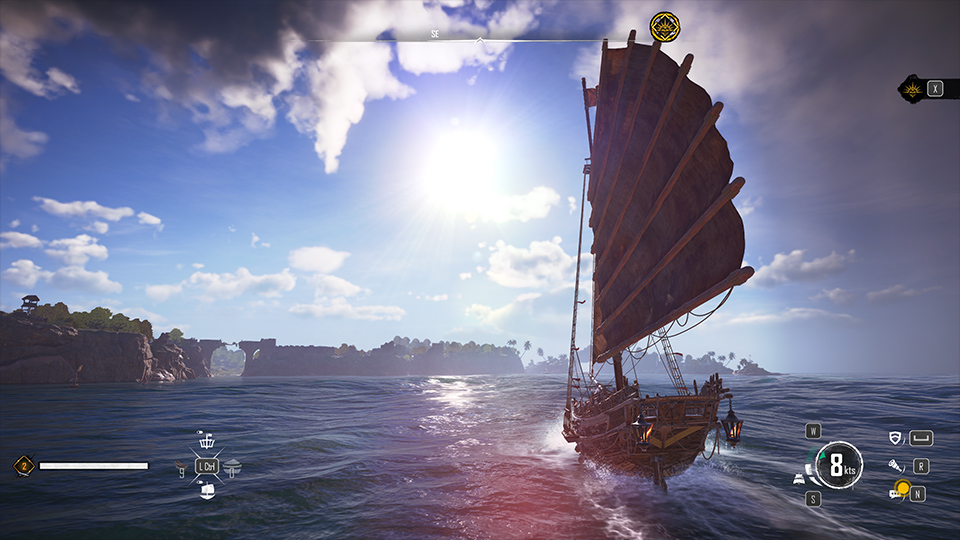
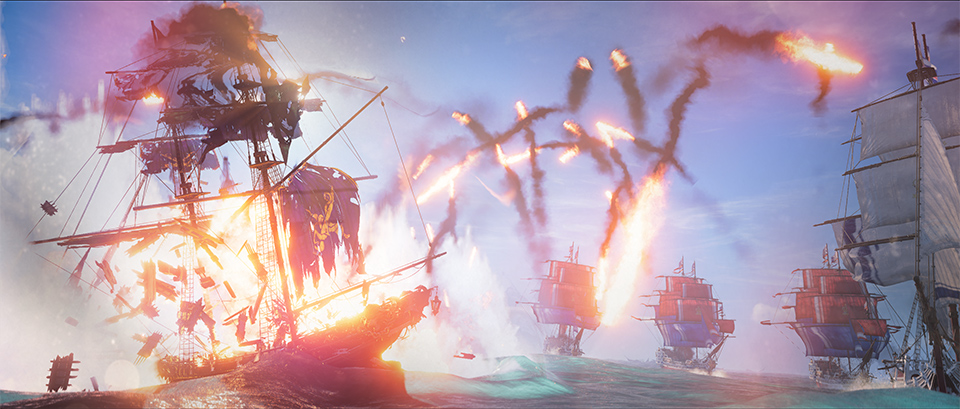
Ray Tracing Ultra High level at 4K resolution in the game Skull and Bones.
You may worry about the image retention or panel burn-in issue on the OLED monitor. MSI OLED Care provide multiple protections can totally avoid OLED burn-in situation. Moreover, MSI offer 3-Year warranty for the OLED panels and makes users can use our product feel more comfortable and safe.
If you want to understand more MSI OLED Care function, please to check the link below for more information. And for more MSI monitor knowledge or Tutorial, you can visit our Monitor Lab for the latest information.
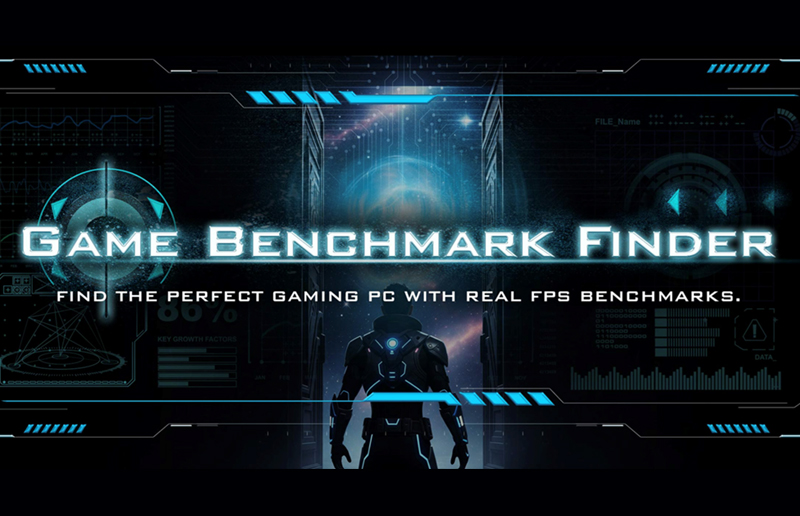
Finally, if you are interested in playing different games on MSI gaming desktops and monitors, you can visit our website to find a suitable setup. Select the game you want to play, and your preferred monitor size and resolution, and the system will show you how the game performs.
Game Benchmark: Link
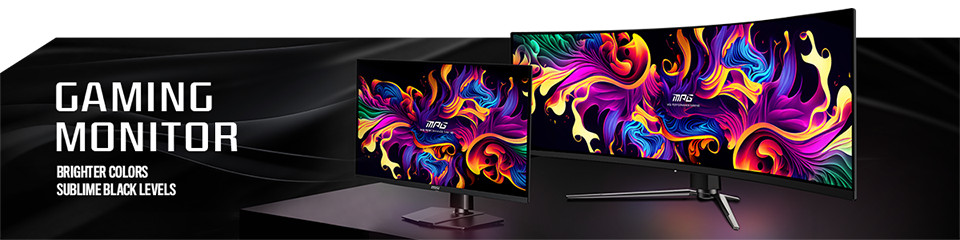
MSI QD-OLED Monitor list
MEG 342C QD-OLED: https://www.msi.com/Monitor/MEG-342C-QD-OLED
MPG 491CQP QD-OLED: https://www.msi.com/Monitor/MPG-491CQP-QD-OLED
MPG 321URX QD-OLED: https://www.msi.com/Monitor/MPG-321URX-QD-OLED
MPG 271QRX QD-OLED: https://www.msi.com/Monitor/MPG-271QRX-QD-OLED
MAG 341CQP QD-OLED: https://www.msi.com/Monitor/MAG-341CQP-QD-OLED
MAG 321UPX QD-OLED: https://www.msi.com/Monitor/MAG-321UPX-QD-OLED
MAG 271QPX QD-OLED: https://www.msi.com/Monitor/MAG-271QPX-QD-OLED
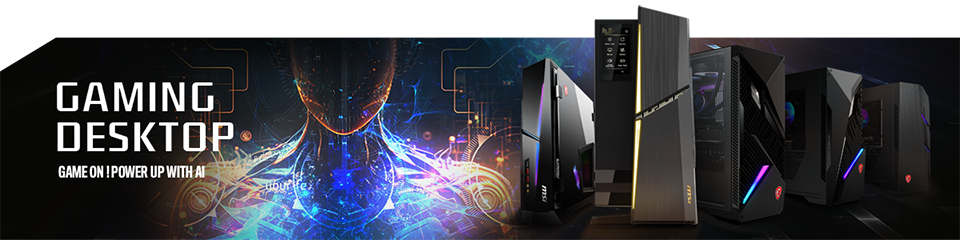
RTX 40 Super Graphic Card Support List
MEG Trident X2 14th: https://www.msi.com/Desktop/MEG-Trident-X2-14th
MPG Infinite X2 14th: https://www.msi.com/Desktop/MPG-Infinite-X2-14th
MPG Trident AS 14th: https://www.msi.com/Desktop/MPG-Trident-AS-14th
MAG Infinite S3 14th: https://www.msi.com/Desktop/MAG-Infinite-S3-14th
MAG Codex 6 14th: https://www.msi.com/Desktop/MAG-Codex-6-14th