Why Does QD-OLED Look Purple? How MSI DarkArmor Film Solves It?
Monitors
Why does my QD-OLED monitor look purple?
It is normal for a QD-OLED monitor to exhibit a subtle purplish tint when the screen is black; this is a characteristic of the QD-OLED panel structure and not a defect. Don’t worry about it. This phenomenon is typically only noticeable when ambient light shines directly onto the screen.
Because QD-OLED technology omits a polarizer to maximize brightness and color, ambient light can reflect off the panel's internal components, resulting in a perceived purple hue instead of a 100% absolute black in bright environments.
The Effect
While the purplish tint may go unnoticed by every user, it represents a missed opportunity for purists seeking the ultimate "True Black" experience. For those who demand the full potential of QD-OLED’s self-emissive "infinite contrast," seeing a hint of purple in scenes that should be pitch black can be disappointing.
MSI DarkArmor Film Makes QD-OLED Truly True Black
OLED technology is evolving at a breathtaking pace. This year, QD-OLED enters a new era with the introduction of 5th-generation QD-OLED panels and a revolutionary breakthrough in coating treatment: MSI DarkArmor Film. This advanced coating technology is specifically designed to overcome the limitation of previous QD-OLED generations—the inability to maintain absolute blacks in brightly lit environments.
Equipped with MSI DarkArmor Film, the screen achieves a 40% improvement in black-level depth. This enhancement does more than eliminate the "purplish tint"; it fully unlocks the inherent advantages of QD-OLED’s self-emissive pixels. For the first time, users can experience true infinite contrast and vivid clarity as intended, without the purity of the blacks being compromised by ambient light.
Previous QD-OLED
MSI DarkArmor Film
Watch more for comparison between the MSI DarkArmor Film and the previous QD-OLED
MSI DarkArmor Film Enhances the Scratch Resistance
MSI DarkArmor Film extends beyond deepening black levels; it also significantly reinforces the screen's scratch resistance. We understand that in real-world usage, screens face daily challenges. We all know it’s hard to keep a screen perfectly clean. Whether it’s spit from talking too loudly during a game or some food stains from eating at your desk, accidents happen. The biggest worry is usually scratching the screen while trying to wipe those messes away.
MSI DarkArmor Film boosts the screen’s surface hardness to 3H. Compared to the 2H, it is now 2.5 times more resistant to scratches. The 3H rating means the screen can withstand the tip of a 3H hardness pencil without showing obvious scratches. With this extra toughness, you can feel much safer when wiping down your monitor. Of course, this is just a technical standard—we still don't recommend actually taking a pencil to your screen!
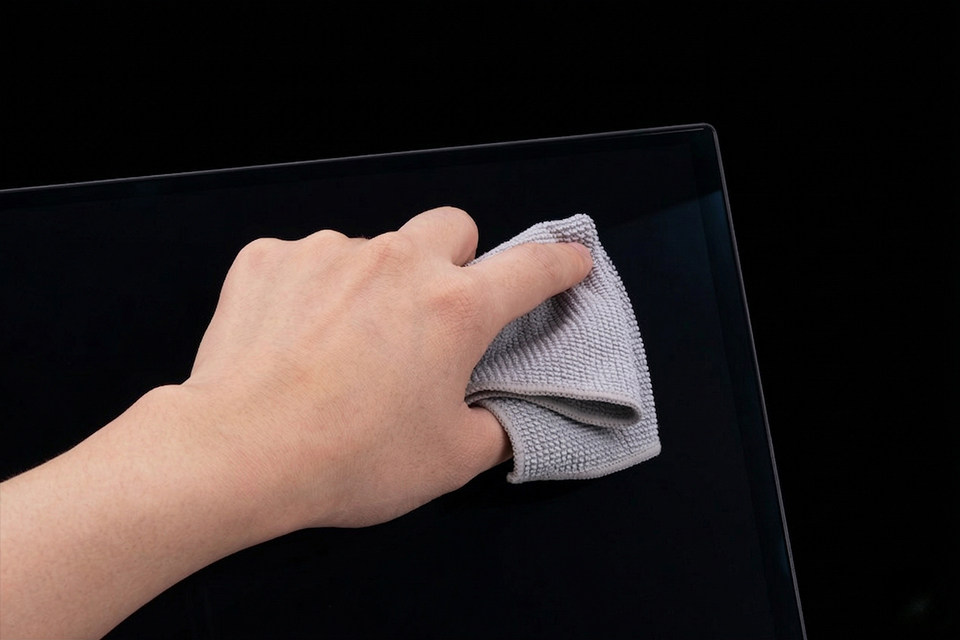
Looking for cleaning tips? Find out how to clean your MSI OLED Monitor.
Check out the MSI QD-OLED monitors featuring DarkArmor Film and Penta Tandem technology below.
Panel Generation
Penta Tandem
DarkArmor Film
MAG 341CQP QD-OLED X28
5th-Gen
Yes
Yes
PRO MAX 271UPXW12G
4th-Gen
Yes
Yes
PRO MAX 271UPX12G
4th-Gen
Yes
Yes